Preparing an Image
To receive good results with object detection methods in images, those images usually need some kind of preprocessing. Segmensation currently only offers such functions for images where objects are defined by their brightness.
Closing
Closing is an operator from the field of mathematical morphology that is usually used on binary or grayscale images. As the name implies, closing is an operator that removes small holes in objects. It also reduces general noise in images.
The operator consists of two steps: Dilation and Erosion. Dilation expands the area that is assigned to an object, while erosion shrinks it. Due to the way these two operations work, the borders of objects stay similar, but holes that are filled by dilation can not be opened again by erosion.
Parameters
Number of iterations for Dilation and Erosion.

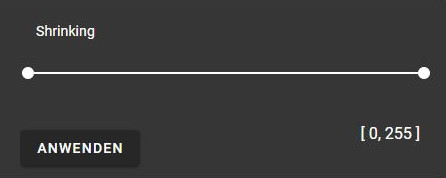
Shrinking
Shrinking can be used to manipulate the color histogram of an image. With this operation, certain colors can be enhanced by reducing the color space to the desired range.
Note
This operation also automatically maps the color values to a range between 0 and 255, which is required for saving the image as JPG or PNG.
Hypermedia Image Processing Reference - R. Fisher, S. Perkins, A. Walker and E. Wolfart