Analyzing an Image
This tab contains a number of functions that were specifically implemented for the analysis of astrocytes and nerve fibers in brain images.
Detecting astrocytes
Note
This Function is specialized for fluorescent brain images taken on the GFAP channel, as this channel depicts astrocytes among other things.
New training data can be generated through segmentation of an image followed by manual sorting of the resulting regions into:
‘astrocyte’
‘artifact’,
‘clumps_artifact’
‘clumps_astrocyte’
‘clumps_mixed’
Warning
The script for generating training data runs on the server and is not fully integrated with the frontend yet. The generated images are saved to the folder model\astrocytes\train_data\new_training_regions inside the docker container of the backend and need to be sorted there.
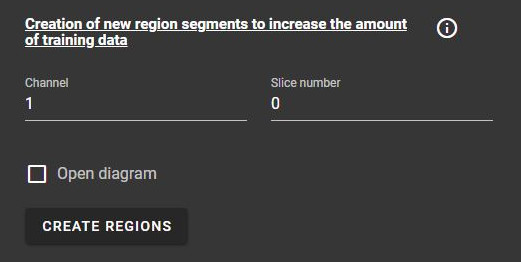
If “Show diagram” is checked, a website will be opened, which will show the present prediction of regions. This can help with manual labelling.
As soon as labelled trainig data exists, a Random Forest Classifier can be trained on this data. The classifier can then be used to predict occurrences of astrocytes in unlabelled images.
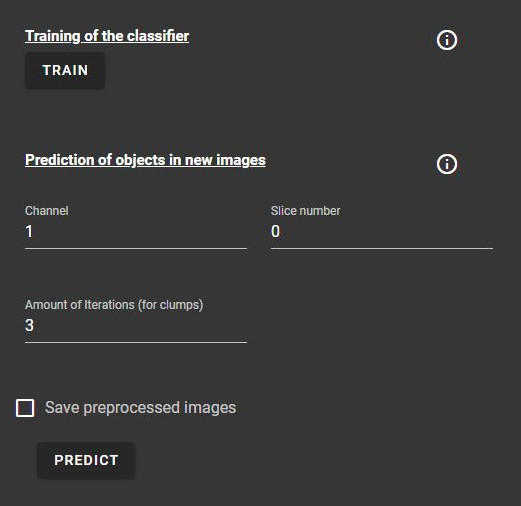
The channel for which objects are predicted can be manually set.
Additionally, the amount of iterations can be increased to get predictions for clumps despite their rare occurrence.
Warning
“Save preprocessed images” will currently only save images into the backend docker container.
Calculating orientation
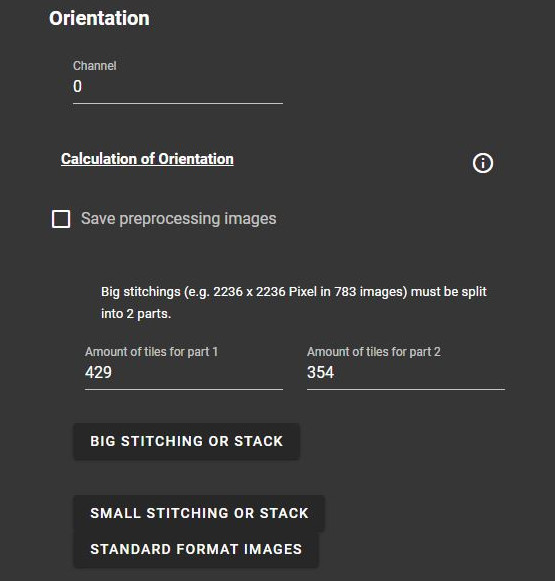
This function divides an image into smaller patches and calculates the preferential direction for each patch through the directionality plugin that is included in Fiji.
Note
More information on how the directionality plugin works can be found here.
The results can be downloaded as CSV files.
Warning
“Save preprocessed images” will currently only save images into the backend docker container.
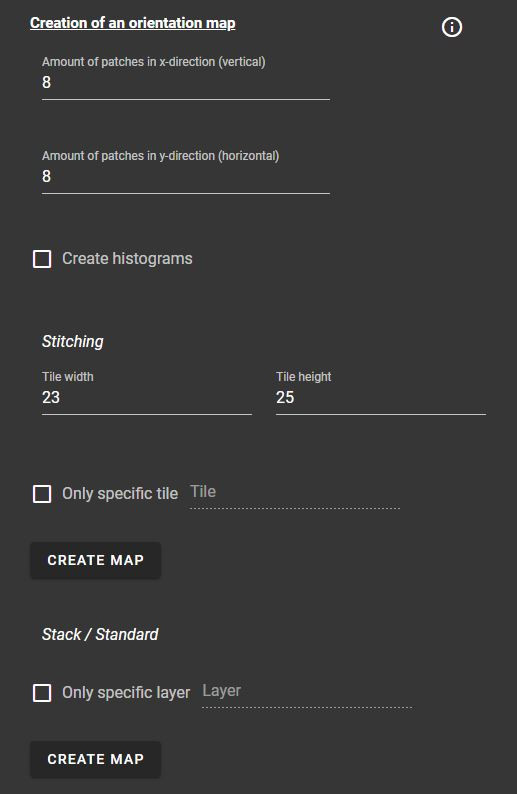
After calculating the orientation of an image, a visual representation of the results can be generated.
The amount of patches and for big stitchings the tile size has to be manually set.
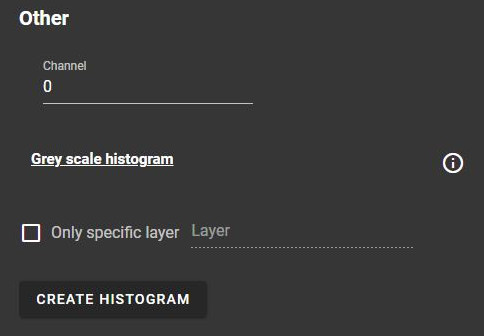
Furtermore, histograms of the images can be generated and it is possible to only get the visual representation for a specific tile or layer.
Ratio of fibers
This function calculates the ratio of fibers or astrocytes in an image by getting the amount of pixels assigned to objects in each channel (AF/MBP (myelin fibers), GFAP (astrocytes)). Pixels that are assigned to multiple objects are not taken into account, as overlapping structures are not possible in this context.
If the image contains anomalies, such as an inverted channel assignment, slices with varied sizes or a black hole - a structure that does not contain any fibres - the corresponding checkbox can be activated to take the anomaly into account.
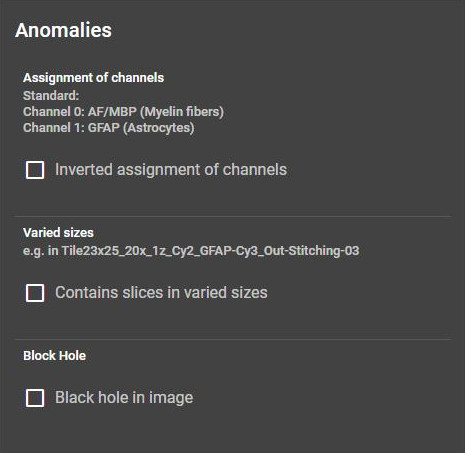
Furthermore, the calculation can be limited to specific layers or channels.
Warning
“Save preprocessed images” will currently only save images into the backend docker container.
Threshold and foreground pixels can be calculated and downloaded as csv.
Segmentation of fibers
Warning
Results will currently be saved into the backend docker container.
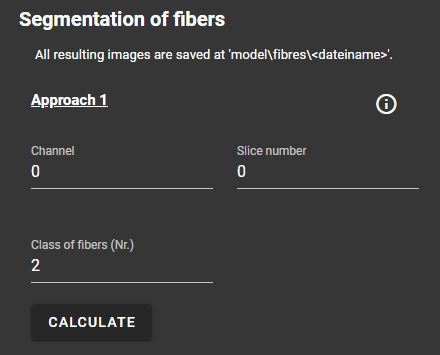
This segment offers three different approaches for the segmentation of fibers in an image:
Approach 1
Pixel classification through a pre-trained Random Forest Classifier
Approach 2
Pixel classification through a pre-trained Random Forest Classifier
Segmentation through a threshold method (Otsu’s method/mean method)
Approach 3
Removal of large Objects through Otsu’s method
Segmentation of remaining fibers through a threshold method (Otsu’s method/mean method)
The approaches have similar parameters: For each approach, the channel and slice number of the image can be specified. Approach 1 and 2 also need the class number of fibres/objects that should be predicted.
Other
This segment contains the option to create and save a greyscale histogram for an image.