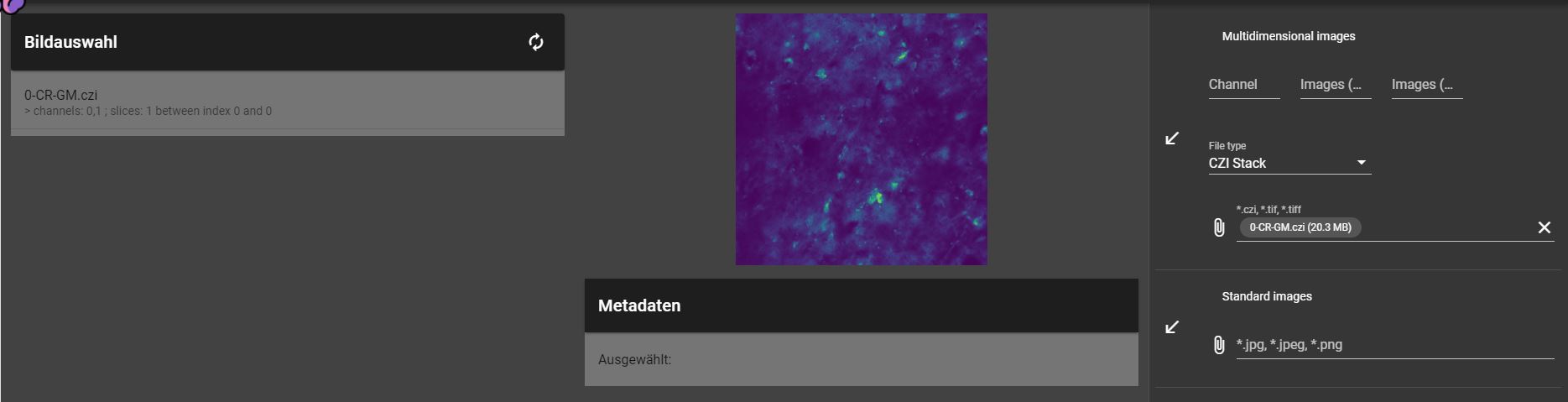
Uploading an Image
Segmensation can handle standard Images (.jpg, .png) as well as large, multidimensional Images (.czi, .tif).
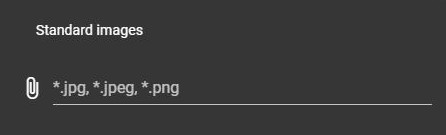
Standard images
Standard Images can simply be uploaded by clicking the corresponding field and selecting an image from the file system.
CZI images
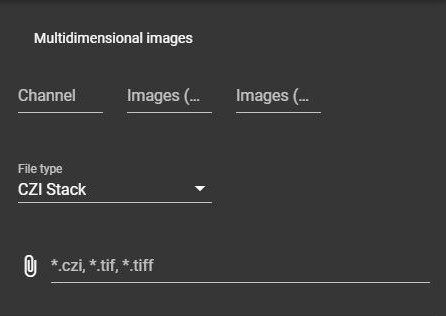
For the correct upload of multidimensional images additional information is necessary:
- Channel
The channel that should be uploaded.
- Images (from/to)
The range of single images/layers that should be uploaded.
- File Type
Defines if the image should be handled as a layered image (CZI Stack) or a mosaic (CZI Stitching).
When the upload is completed, the corresponding image is shown on the left and can be selected for further processing.